








































Managing Outlook data can become challenging when OST files turn inaccessible.
This often happens due to server issues, profile unavailable, or synchronization failures.
In such situations, converting OST files into PST format becomes essential.
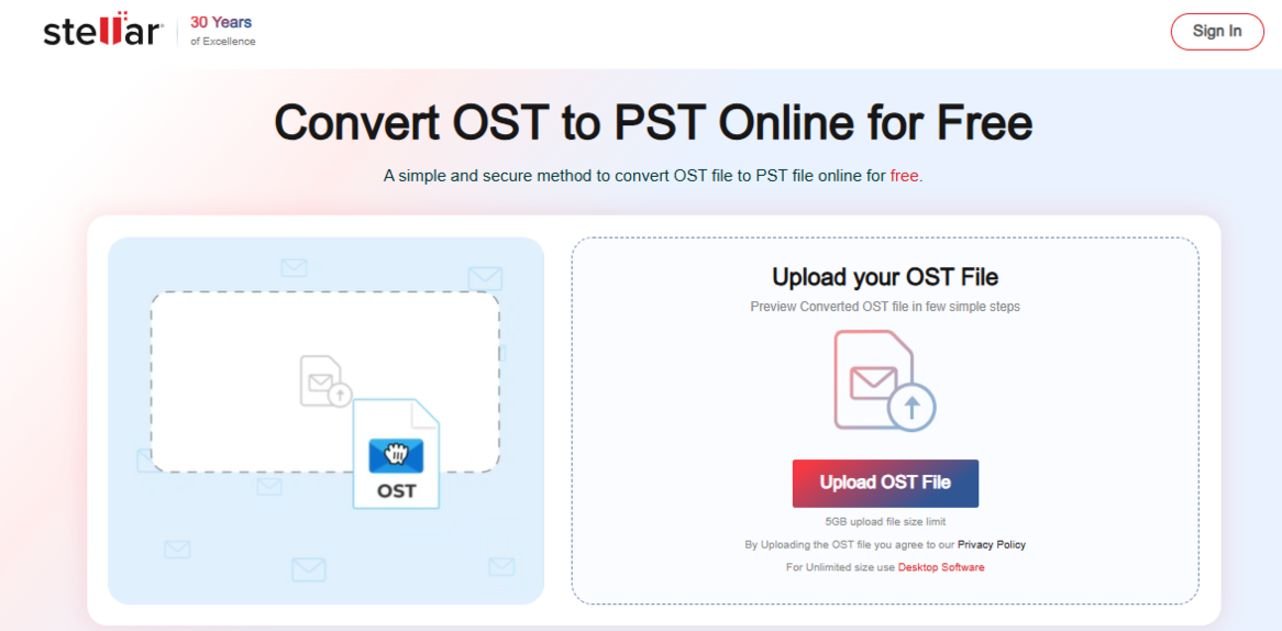
The Online OST to PST Converter by Stellar provides a fast, secure, and user-friendly solution.
This guide explains how it works, why it is effective, and how to use it efficiently.
Understanding OST and PST Files
OST (Offline Storage Table) files store mailbox data locally.
They allow users to access emails, calendars, and contacts without a server connection.
However, OST files are linked to a specific Outlook profile.
If the profile or server becomes unavailable, the file cannot be accessed.
PST (Personal Storage Table) files, in contrast, are portable.
They can be opened in Outlook without requiring the original account.
This makes PST the preferred format for backup and recovery.
Why OST Files Become Inaccessible
Several factors can make OST files unusable:
- Exchange server crashes
- Outlook profile deletion
- File corruption due to abrupt shutdowns
- Synchronization errors
When these issues occur, users lose access to critical communication data.
Manual conversion methods are limited and unreliable.
They often require technical expertise and may not guarantee success.
This is where the Online OST to PST Converter by Stellar becomes valuable.
What Is Online OST to PST Converter?
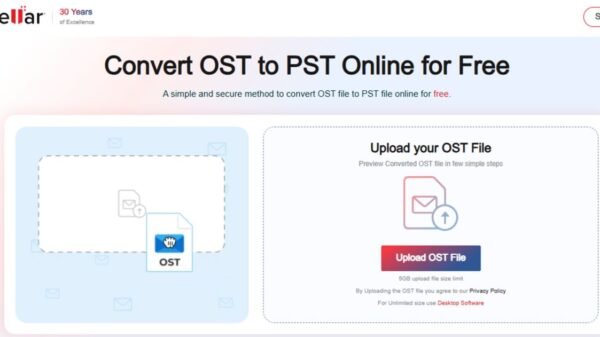
The Online OST to PST Converter by Stellar is a web-based tool designed to convert inaccessible, orphaned OST files into PST format.
It operates entirely online.
No installation or system configuration is required.
Users can upload their OST file, process it, and download the converted PST file within minutes.
This approach simplifies the conversion process while maintaining data integrity.
Key Features of Stellar’s Online OST to PST Converter
The tool is designed for efficiency and reliability.
1. Quick Conversion Process
The converter processes files rapidly.
Even large OST files are handled efficiently.
2. No Software Installation
Everything runs in a browser.
This reduces system load and saves time.
3. HTML Preview
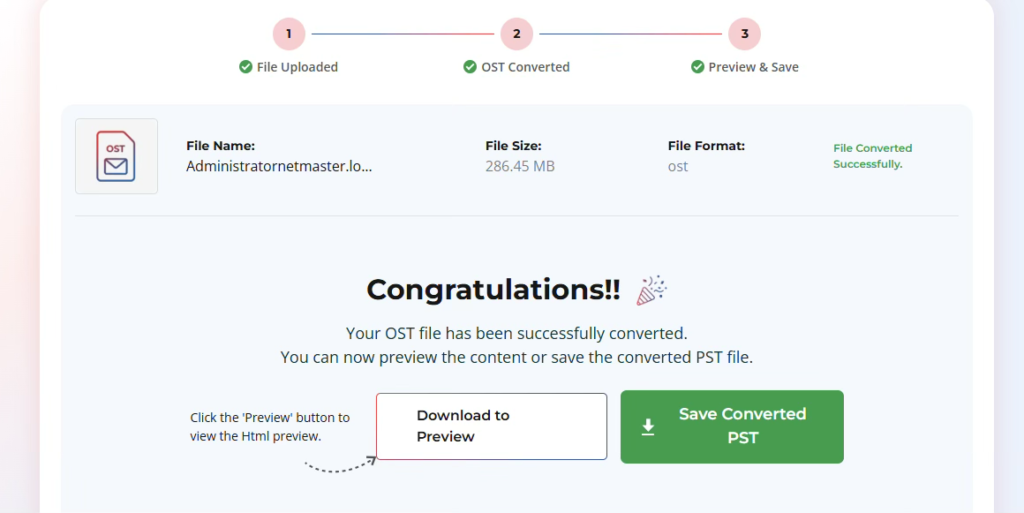
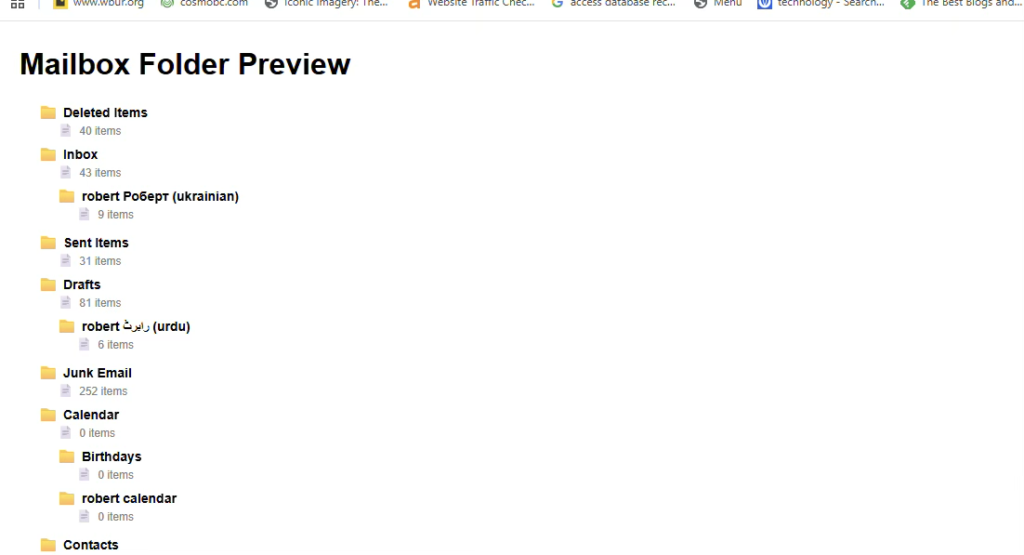
You can preview your data in HTML format after conversion.
You can verify the converted data before saving.
4. Data Integrity Preservation
The tool maintains:
- Email formatting
- Attachments
- Folder structure
No data loss occurs during conversion.
Step-by-Step Guide to Convert OST to PST free online with Stellar
Using the Online OST to PST Converter is straightforward.
Follow these steps:
- Open the online converter in your browser
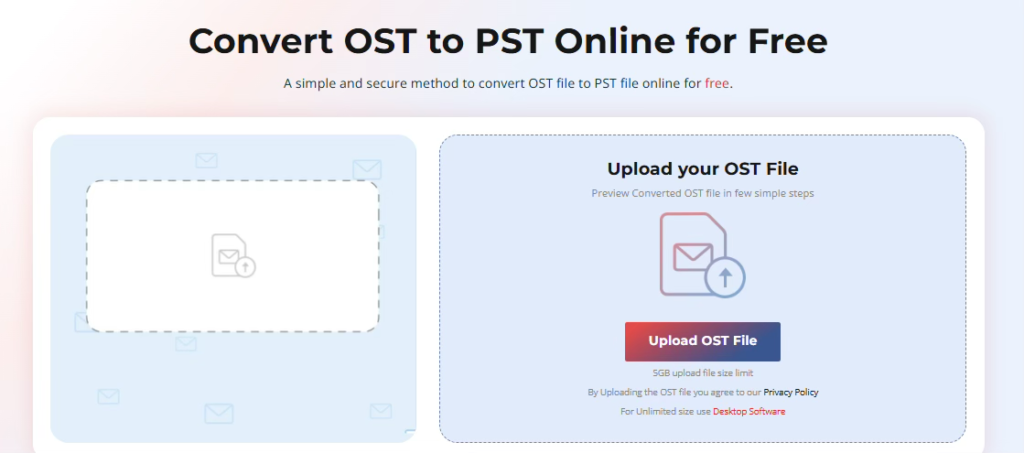
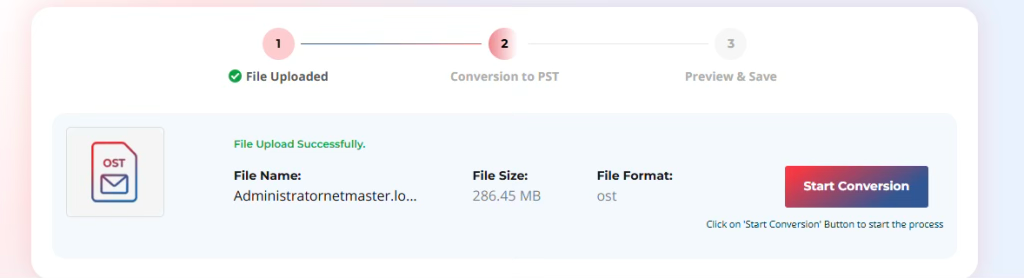
- Upload the OST file securely
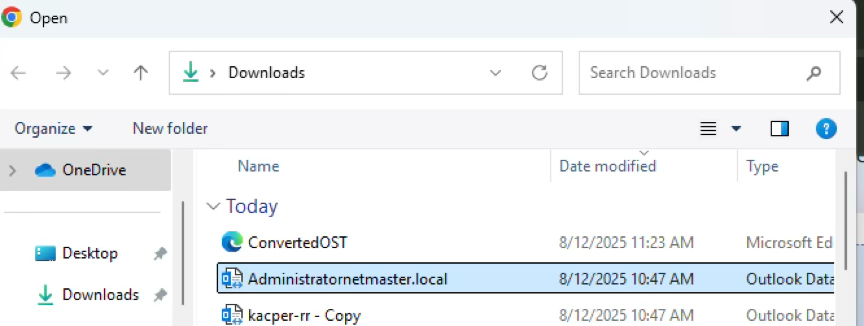
- Start the conversion process
- Preview mailbox content
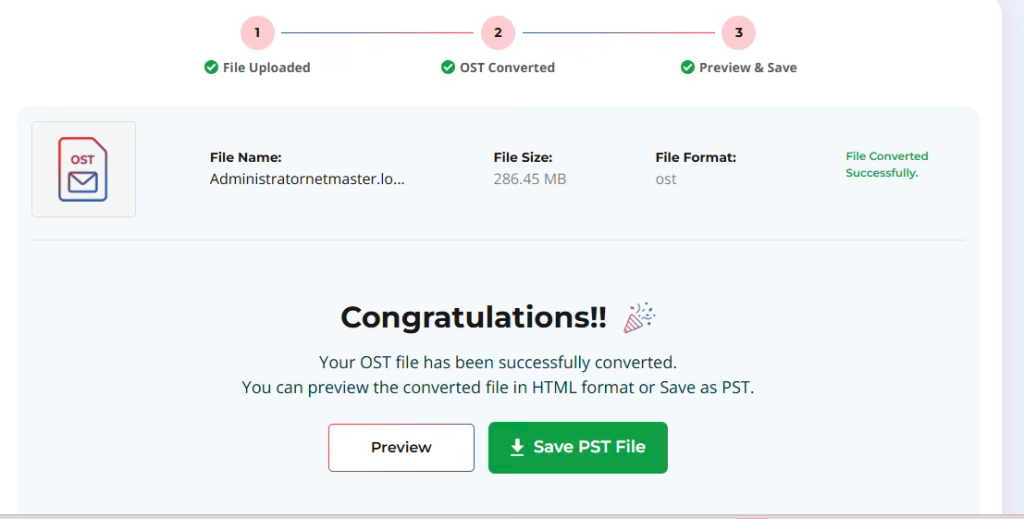
- Download the PST file
Each step is simple and guided.
No technical expertise is required.
Security and Data Protection
Data security is a primary concern when handling the OST files.
The Online OST to PST Converter by Stellar ensures:
- Secure file upload using encryption
- Safe processing environment
- Automatic deletion of converted files from server within 24hours of conversion
Users retain full control over their data.
No information is stored or shared.
This makes the tool suitable for both personal and business use.
Pricing Overview
- Free ($0): Suitable for basic use convert one OST file up to 500 MB with a 24-hour download window.
- Premium ($29.99/mailbox): Supports files up to 5 GB with the same 24-hour access limit, good for medium-sized conversions.
- Desktop ($79.99): No file size limit, convert 5 files, and keep them permanently on your system, best for regular or professional use.
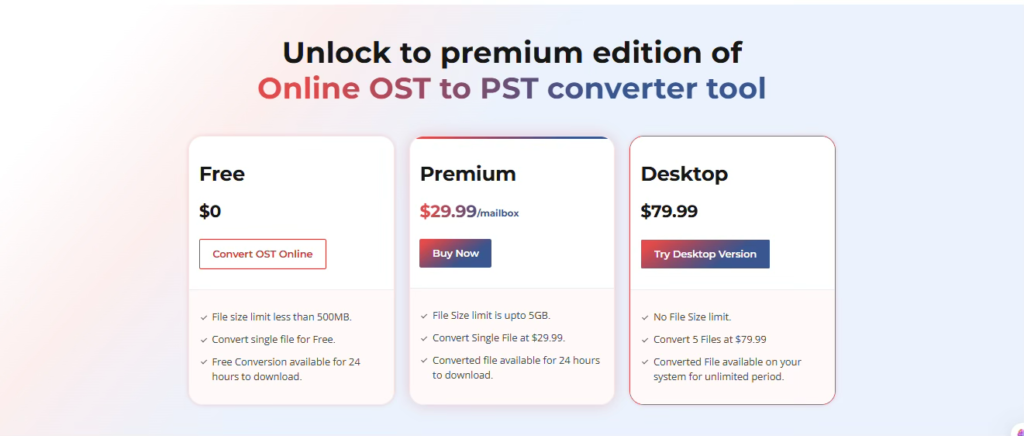
If you’re dealing with large OST files or need more flexibility, the desktop solution like Stellar Converter for OST is a better choice. It removes file size limitations, supports batch conversion, and allows you to save emails in multiple formats such as PST, EML, PDF, HTML, and RTF.
Benefits of Using an Online OST to PST Converter- Stellar
- You can convert OST files up to 500 MB to PST format for free, which is quite useful for smaller files.
- It doesn’t require Microsoft Outlook, making it convenient for users who wants to convert OST to PST without Outlook.
- The conversion works without needing an Exchange Server.
- No software installation is required, so the process is quick and hassle-free.
The Online OST to PST Converter by Stellar removes complexity from data conversion.
Best Practices for Efficient Conversion
To achieve optimal results, follow these recommendations:
- Keep a backup of the original OST file
- Ensure a stable internet connection
- Avoid interrupting the conversion process
- Convert only necessary data to save time
After conversion:
- Verify the PST file
- Check folder structure
- Confirm email accessibility in Outlook
These steps ensure complete and accurate conversion.
Conclusion
Inaccessible & Orphaned OST files can disrupt workflows and lead to data loss.
Traditional conversion methods are often time-consuming and uncertain.
The Online OST to PST Converter by Stellaroffers a reliable alternative.
It combines speed, security, and simplicity in one solution.
With its online accessibility and powerful features, users can convert OST files to PST without outlook in minutes.
For individuals and organizations seeking a dependable conversion method, this tool provides a practical and efficient solution.